
Designing for Accessibility on the Web
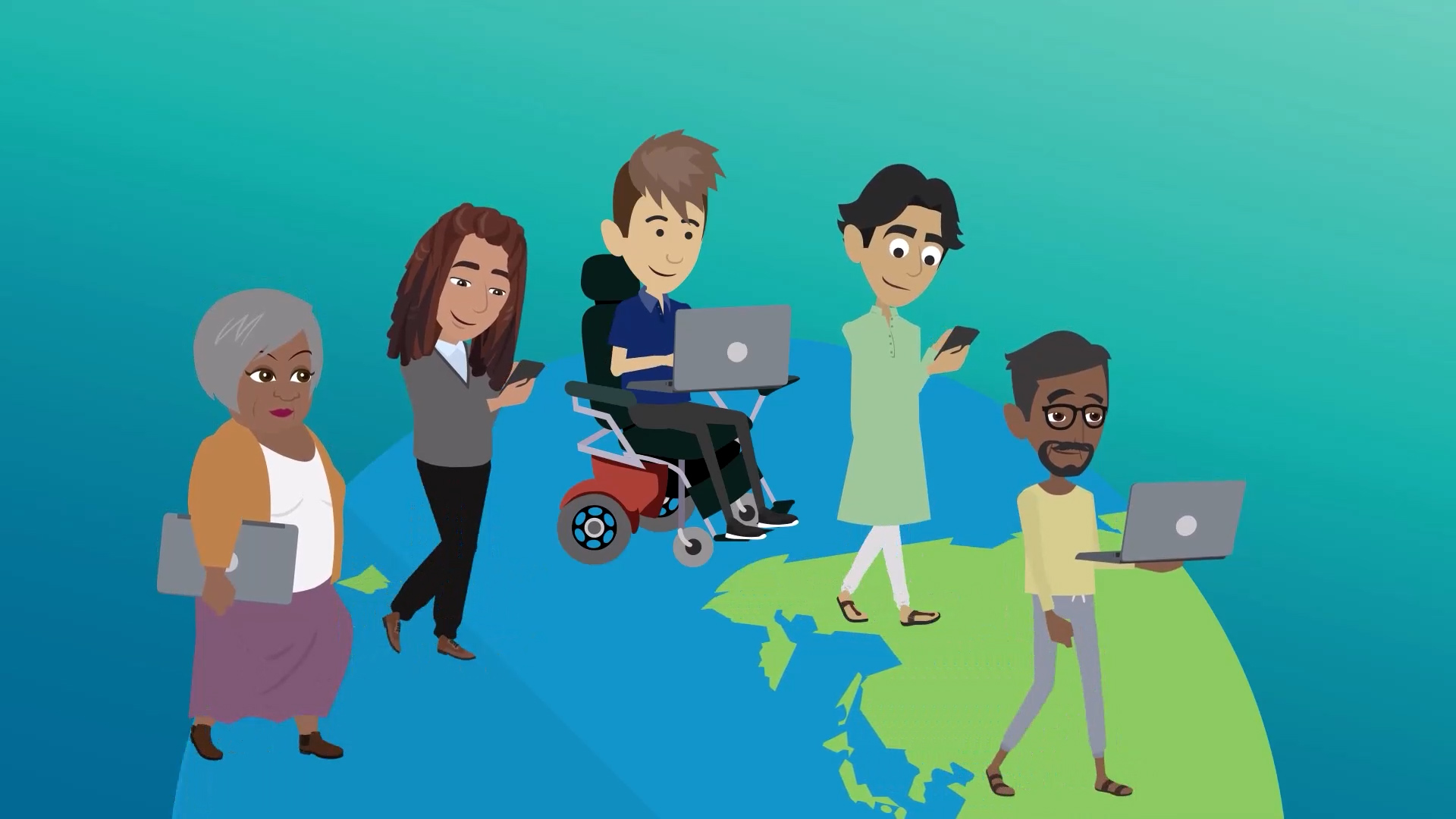
About Course
This tutorial provides the skills to build inclusive digital projects and meet modern web accessibility standards. You will learn how to generate transcripts with Otter.ai and create closed captions in YouTube and Google Drive.
Beyond video, the modules cover foundational design and structural requirements, such as writing effective alt text for images, implementing hierarchical heading structures, and optimizing typography and color contrast. Whether you are developing a portfolio, a journalism project, or a site in WordPress, these guides ensure your digital work is perceivable and navigable for all audiences.
Produced, Written & Directed by: Lindsay Hanna
Post-Production Coordination & Editor: Daniela Olariu
Graphics & VFX: Victoria Learn
Course Content
Modules
-
Website Accessibility: Use Otter.ai to Create Transcripts
-
Website Accessibility: Closed Captioning on YouTube
-
Website Accessibility: Closed Captioning Using Google Drive
-
Website Accessibility: Adding Alt Text to Images
-
Website Accessibility: Applying Proper Heading Structure
-
Website Accessibility: Optimizing Typography and Color Settings