
- Fill out the Liability & Policy Form if not previously completed
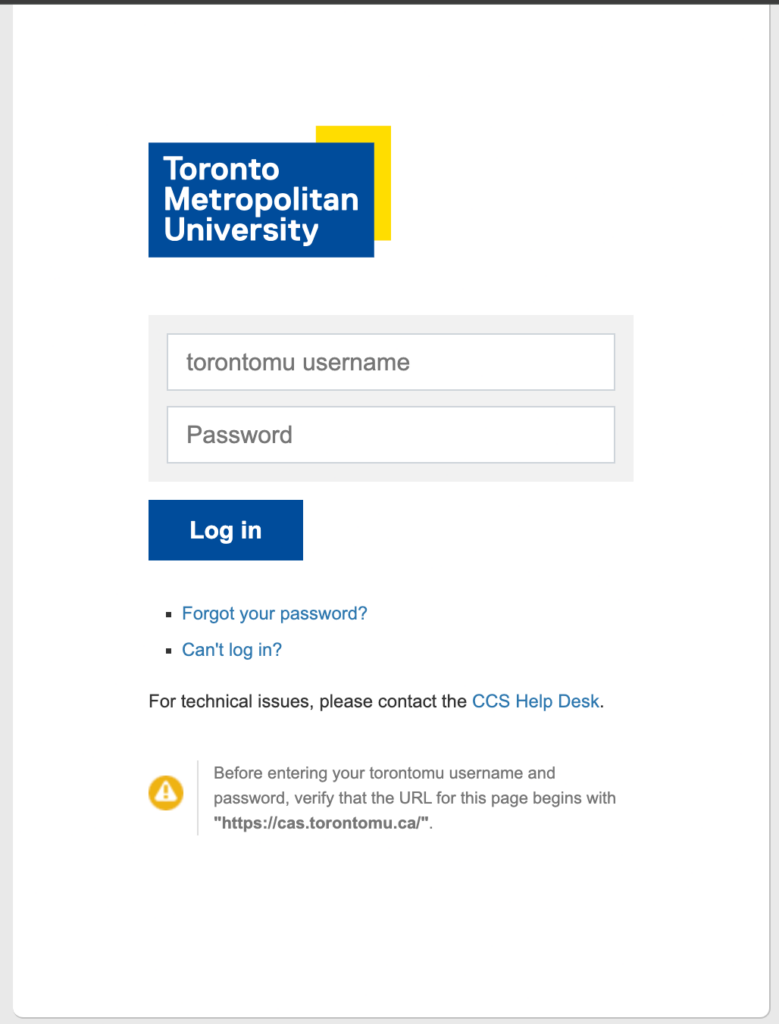
- Log into the Equipment Distribution Centre Portal
Under New Reservation, there are two centres for:
Creative Production Facilities – This is where you will reserve rooms
EDC – Equipment (RCC) – This is where you will reserve equipment
- Go to “New Reservation” and select “Creative Production Facilities” from the drop down menu, then click “OK”

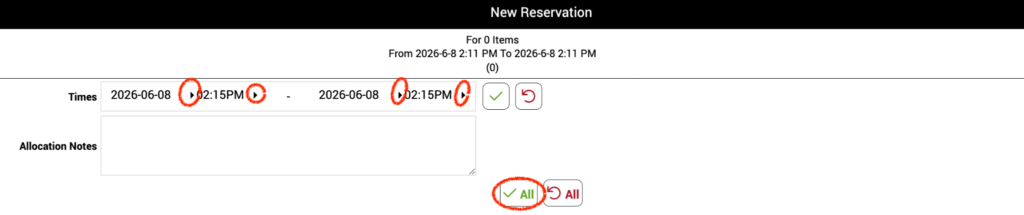
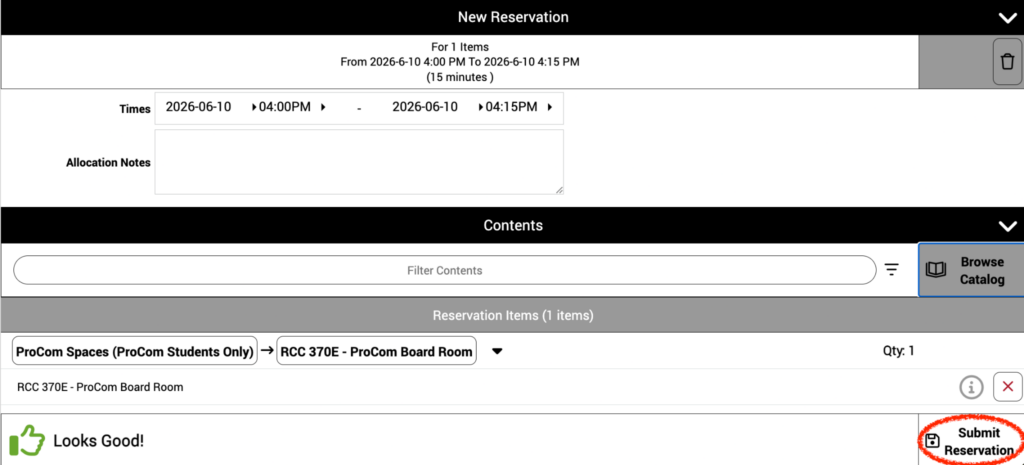
- Under New Reservation, enter your start date & time and your end date & time and click the check mark “All”
- Under Contents, click “Browse Catalog”

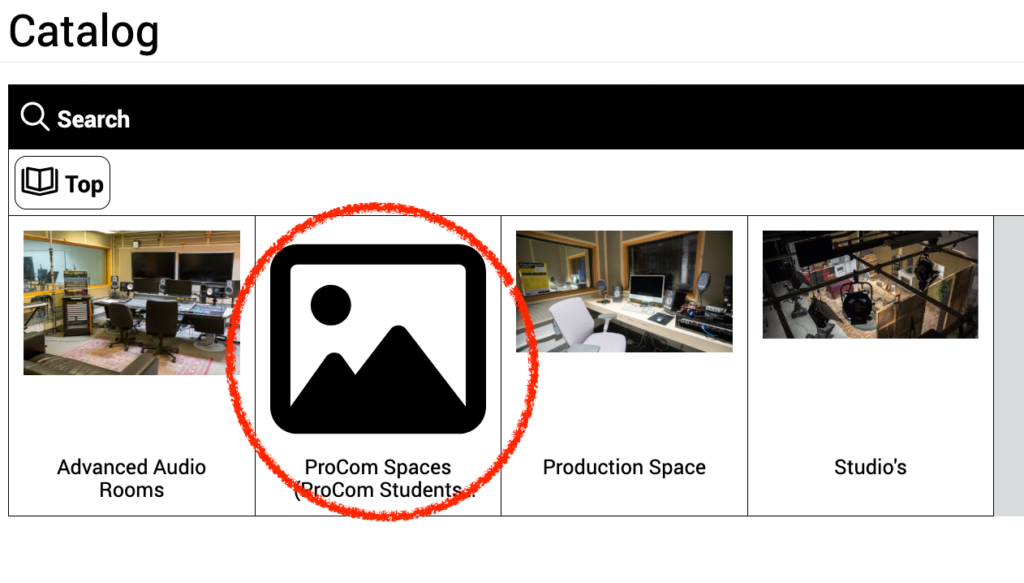
- Select “ProCom Spaces”
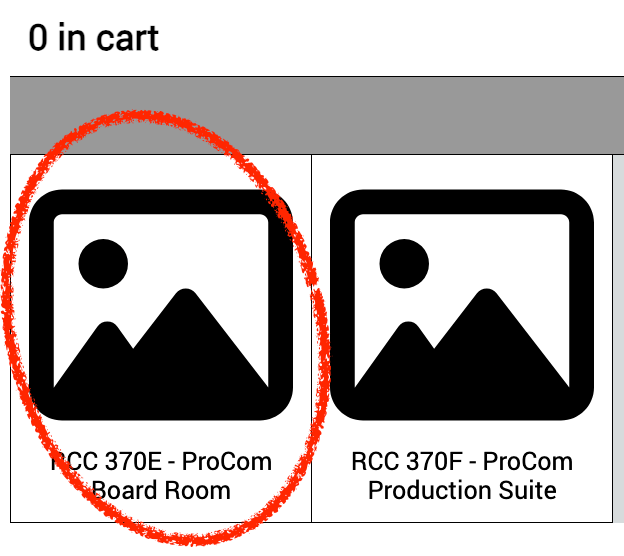
- Select “RCC370E – ProCom Board Room”
- Click the green cart icon.
Then click “Return to Reservation”

- If there are no errors, click “Submit Reservation”
- You should receive a confirmation email once the reservation is completed successfully!